
1. Open your phone's Settings application.
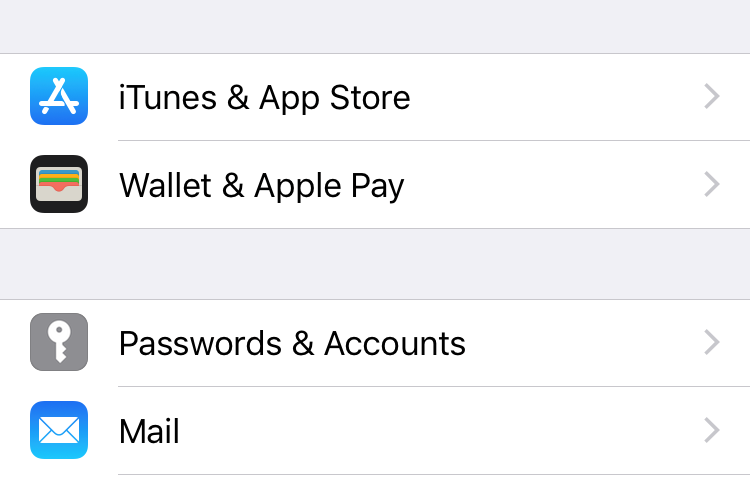
2. Scroll to and click on Passwords & Accounts (If you're using iOS 10.3.3 or earlier, go to Settings > Mail > Accounts and tap Add Account).
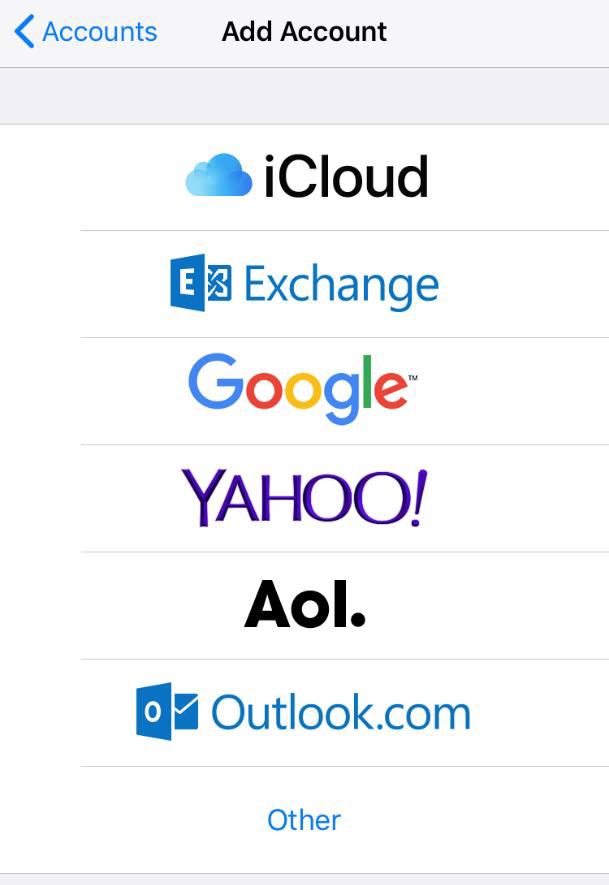
3. Select Add Account.
4. Choose Other.
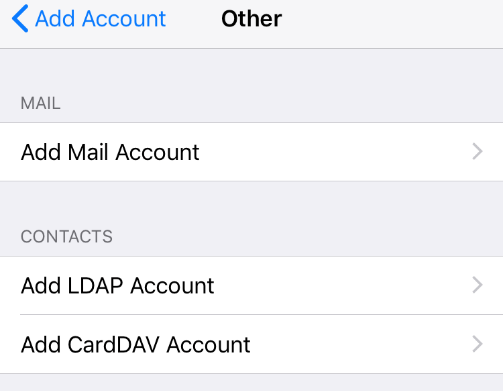
5. Select Add Mail Account.
6. Enter your Name, your Marcospizza.net email address and password, and a description of the account (ex. Marco's Email).
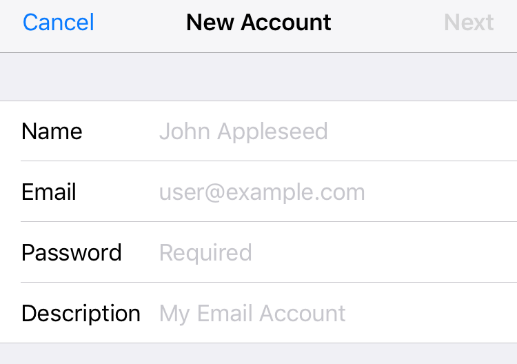
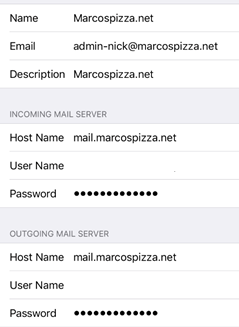
7. Click Next. Fill in all fields on the next page.
8. Enter the following hostname for both incoming and outgoing mail server: mail.marcospizza.net
9. Enter your Marcospizza.net Username (your full email address) and Password.
10. Click Next. Your Marcospizza.net email will now be set up on your iPhone or Apple Device.
Comments
0 comments
Article is closed for comments.