
1. Open Settings
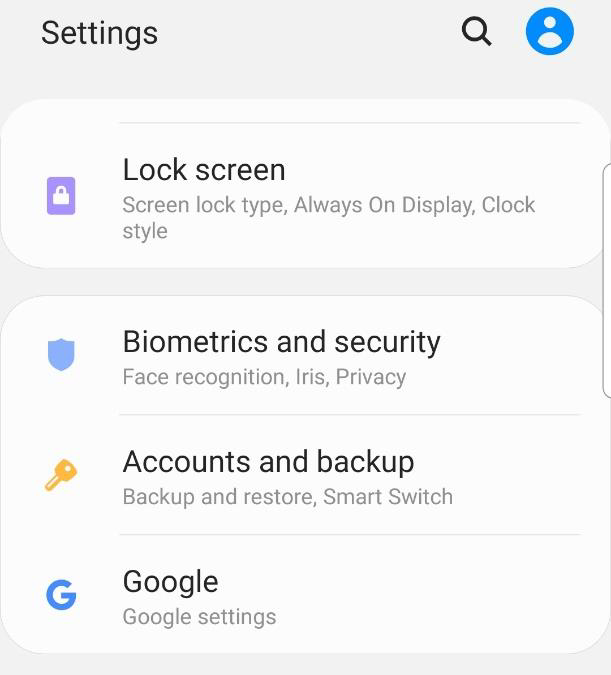
2. Scroll to and click on Accounts and Backup
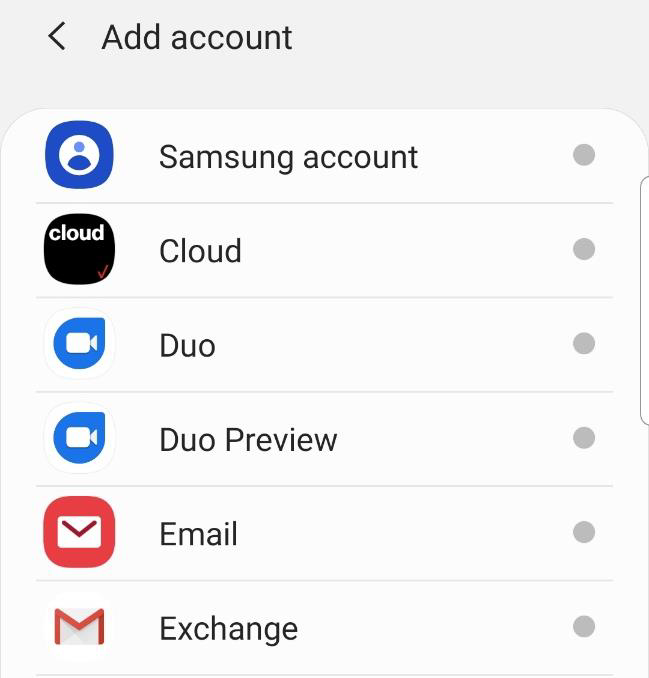
3. Select Accounts. Choose Email
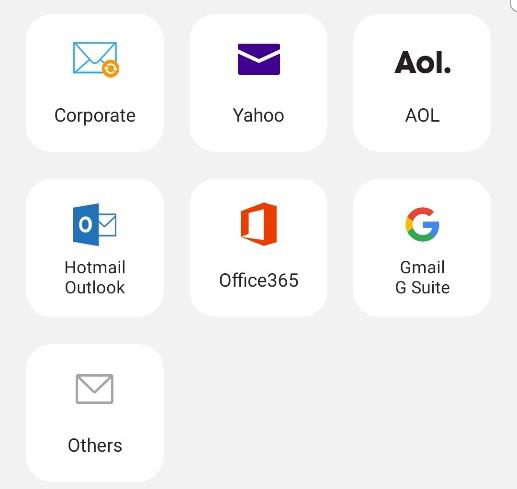
4. Select Others
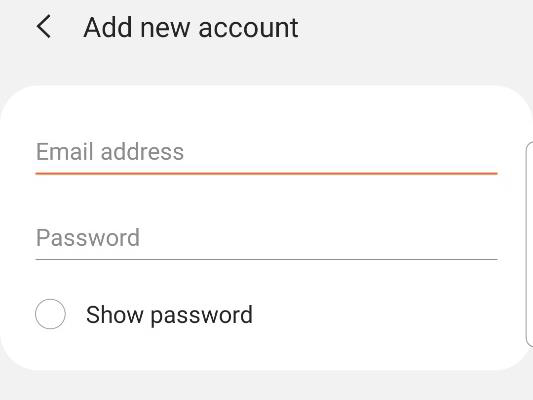
5. Enter your Marcospizza.net credentials
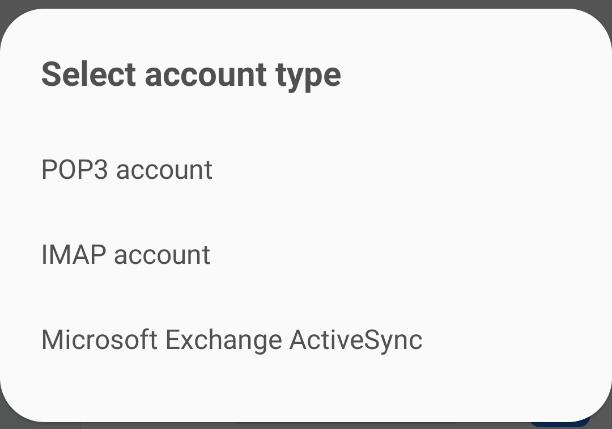
6. Click Next. Choose IMAP account
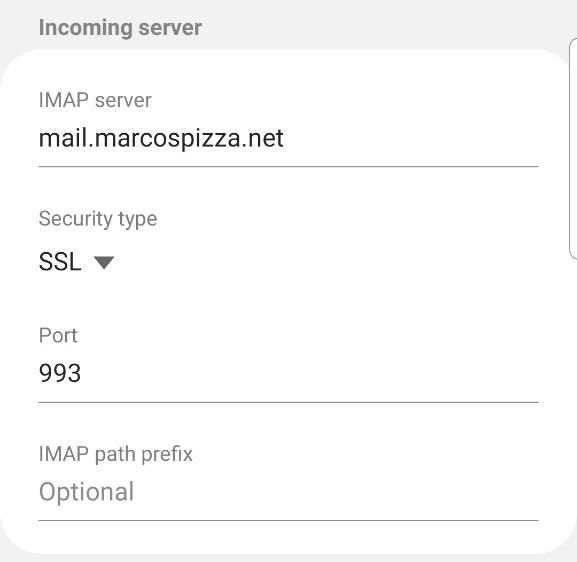
7. Enter the following for incoming server configuration:
Hostname for IMAP server – mail.marcospizza.net
Security Type – SSL
Port – 993
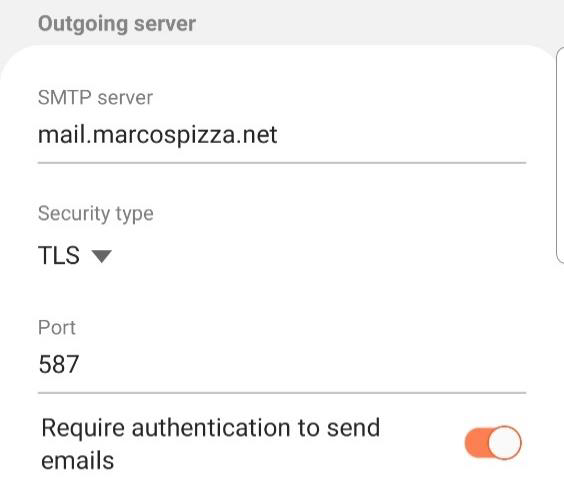
8. Enter the following for outgoing server configuration:
Hostname for SMTP server – mail.marcospizza.net
Security Type – TLS
Port – 587
9. Click Next
10. Update when you want Email synced. Click Done
11. [Optional] Edit the name of the account and the name you want for outgoing if you wish
12. Click Done. Your Android device is now set up with your marcospizza.net email
Comments
0 comments
Article is closed for comments.