
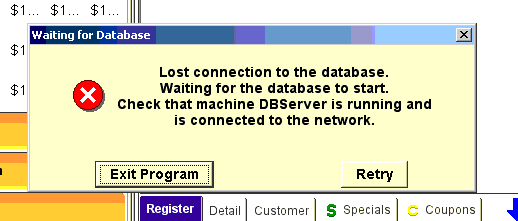
When you see the below error on your POS you’ll need to make sure the DataBase is running. The error will tell you which station your Database is located. In this example it is the DBServer but it could be any terminal.
On the terminal in which your Database is located click on the “Tools” icon on the blue desktop.
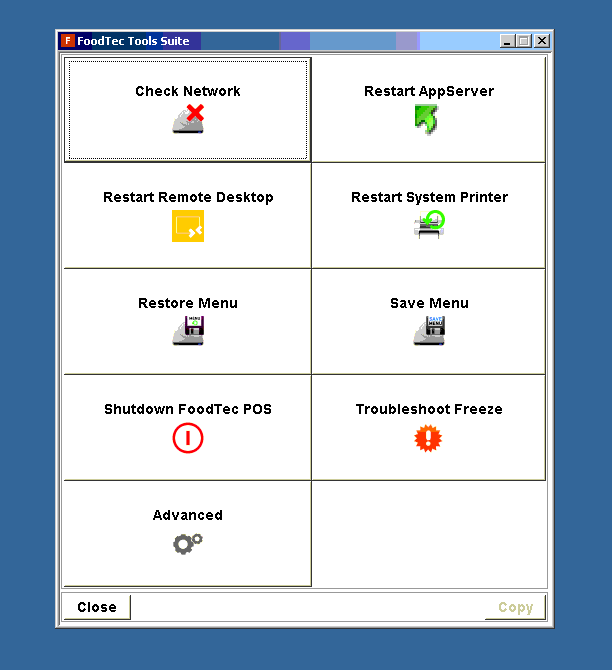
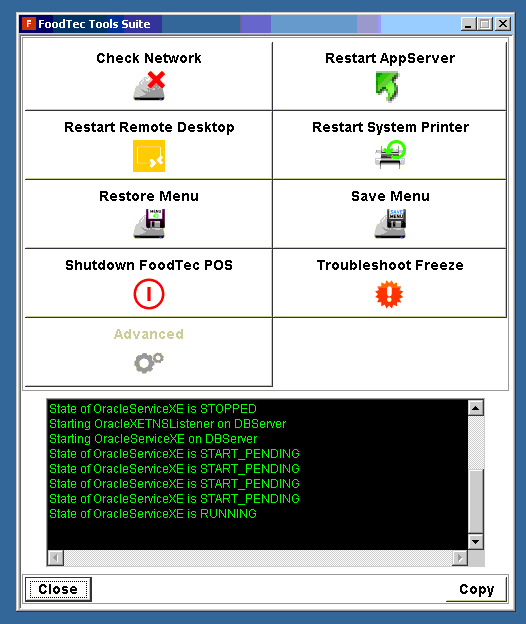
From the “FoodTec Tools Suite” window you’ll see one of these options below. “Restart Database” as located in the first image or “Advanced” and then “Restart Database” as located in the second image below.
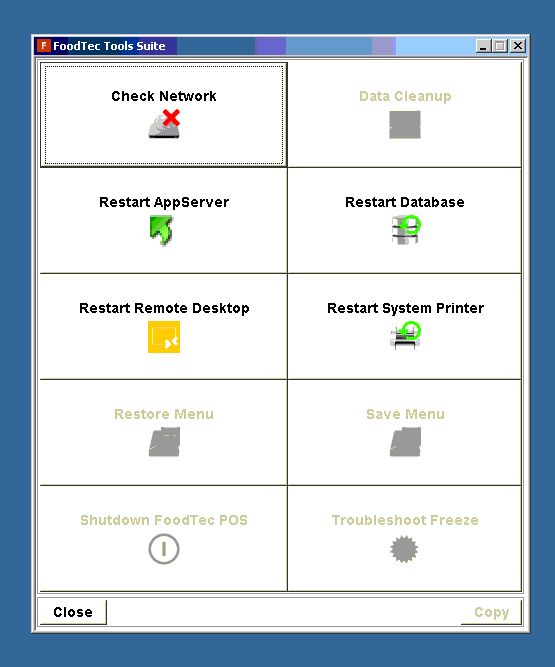
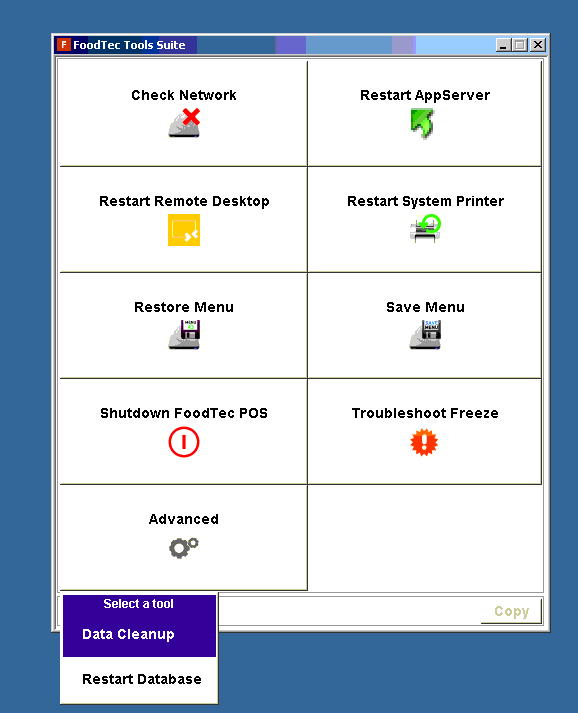
Once you click “Restart DataBase” you’ll see a black text box with green text. When the DataBase has successfully restarted the last line of text should read “State of OracleServiceXE is RUNNING”
Close this window and open up FoodTec application from blue desktop.
Comments
0 comments
Article is closed for comments.